
A visit you recorded
If the connection drops, SOAPsuds keeps recording. The visit is kept encrypted on this device and uploads once you’re back online. After End, a card says Your visit is safe and follows the upload through to Visit uploaded.
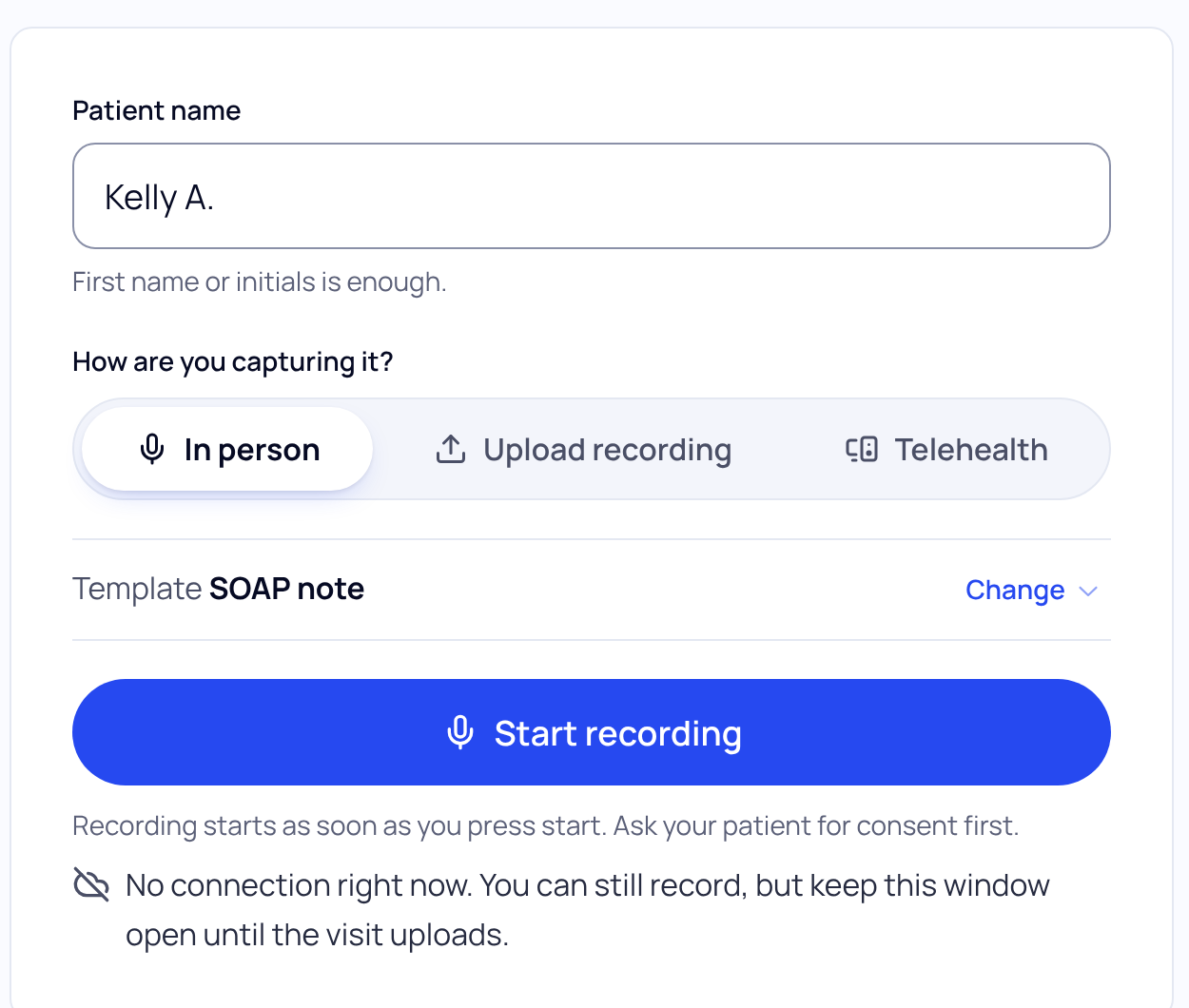
Whether you can close SOAPsuds depends on your browser:
- Chrome, Edge, Samsung Internet: when the card says You can close SOAPsuds, the upload finishes by itself.
- Safari, any iPhone browser, Firefox: keep SOAPsuds open on screen. If it closes, the visit waits on this device and uploads the next time you open SOAPsuds in this browser.
- A private window: keep the window open. It doesn’t keep the visit once closed.
Find a visit that’s waiting
Go to Visits. Above the list, Waiting to upload shows visits still on this device, each with its next step:
- Upload it: for a visit cut off when the page closed. It doesn’t upload by itself, in case you closed it on purpose.
- Sign in again: your sign-in ended. Sign in again in this browser and it uploads.
A visit waits on this device for up to 7 days. Open SOAPsuds in the same browser on the same device; another browser can’t see it.
A file you uploaded
- Use an MP3 or WAV file at least 30 seconds long. If yours is another format, export it again as MP3 or WAV.
- You need a connection to upload a file.
- If you see The connection dropped before the audio reached SOAPsuds, check your connection and try again.
Visits under 30 seconds aren’t saved, because a note needs at least 30 seconds of conversation.
Did this answer your question?
Still need help?
Email support@soapsuds.io or send us a message. Please don't include patient names or details; the visit date and time is enough for us to find it.

