
What it shows
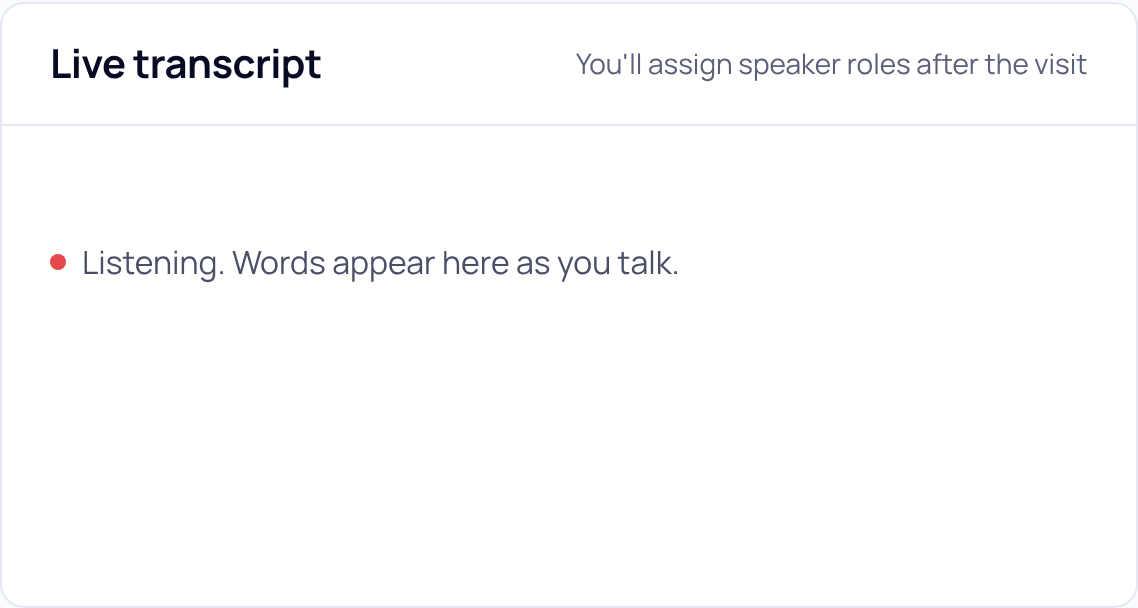
The panel sits beside Your notes. Before anyone speaks it says "Listening. Words appear here as you talk." Lines then appear as people talk, marked Speaker 1, Speaker 2 and so on. You assign who each speaker is after the visit.
When it drops out
The live transcript can pause on its own and come back by itself. The recording never depends on it. A short line beside the title says what is happening:
- "Connecting. Still recording." or "Reconnecting. Still recording."
- "No connection. Still recording."
When it comes back, a thin line says "The live transcript missed a part here. The recording has all of it." Speaker numbers after the gap may not match those before it.
If your practice has it off
The live transcript is on for most practices, and a practice can have it turned off. With it off there is no Live transcript panel. Your notes becomes the main box, and its hint says "The live transcript is off for your practice." Recording and the note work the same. If it is turned off in the middle of a visit, the words already shown stay, with "Off for your practice." in the header.
Practice admins: the live transcript and speaker labels are switched per practice by our team for now. Email support@soapsuds.io to change them. Never include patient details in an email.
Did this answer your question?
Still need help?
Email support@soapsuds.io or send us a message. Please don't include patient names or details; the visit date and time is enough for us to find it.

