
Where to find it
It sits above the note on the Note tab, folded to a short line such as “4 items to review · 1 possible inconsistency”. It shows counts only, never a score. Press Review items to open it.
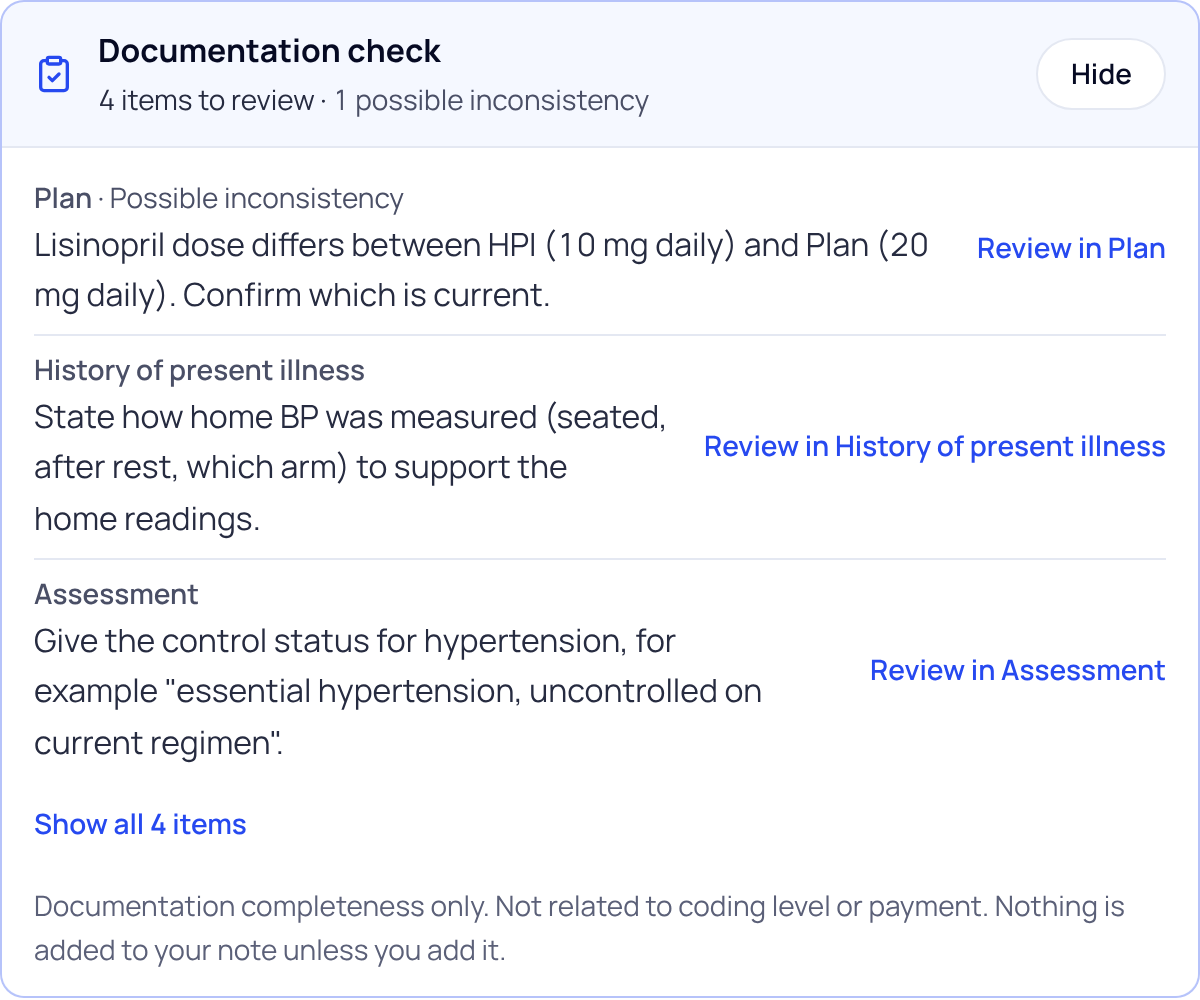
What it lists
| Kind of item | What it means | Your choices |
|---|---|---|
| Possible inconsistency | Two parts of the note may disagree. Check which one is right. | Fix in note · Note is correct · Not applicable · Check is wrong |
| Missing or unspecific detail | A standard detail may be missing. Add it only if it was discussed in the visit. | Add to note · Already documented · Not discussed · Not applicable · Check is wrong |
| Marked lines | Lines the note writer used where the visit didn’t cover something or the audio was unclear, such as “Not stated in this visit.” | Fill in |
Answer an item
- Press Review in and the section name. The item also sits under its own section in the note.
- Pick a response. One tap, no reason needed. Add to note or Fix in note puts your cursor in that section so you can type; nothing is written for you.
- Press Undo to change a response.
After you edit the note
If you change the note after the check ran, it says “The note changed after this check”. Press Recheck to see what’s still open. If the check didn’t run for a note, press Run check; your draft is ready either way.
Nothing here blocks you. You can copy, mark reviewed or sign the note without answering any item.
Did this answer your question?
Still need help?
Email support@soapsuds.io or send us a message. Please don't include patient names or details; the visit date and time is enough for us to find it.

