
Edit one section
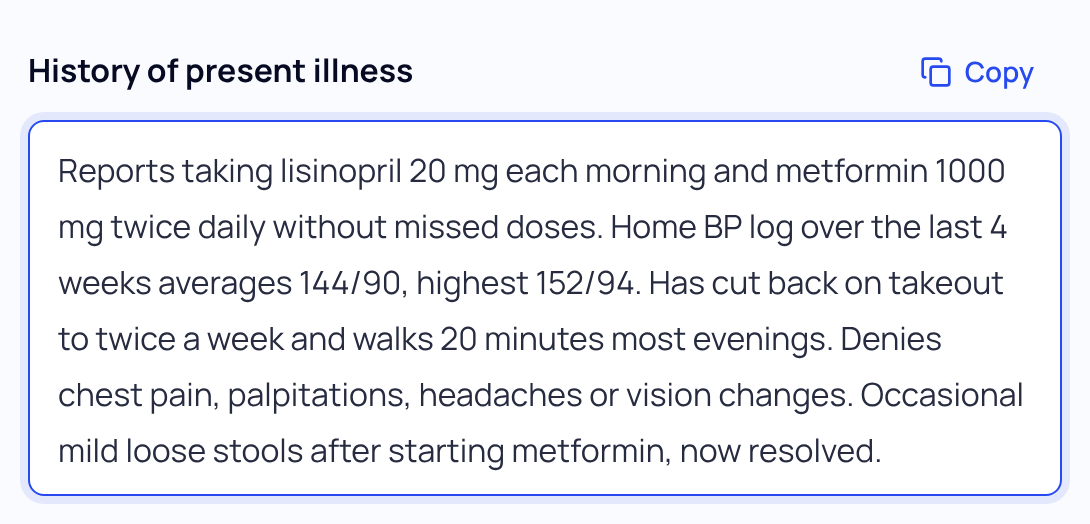
- Click into the section. There is no Edit button. Every section of the note is an open text box.
- Type your change. The line above the note says Saving…, then All changes saved.
- Copy just that section if you need to. Use the section’s Copy button to paste it into the matching field in your EHR.
If an edit doesn’t save, SOAPsuds says so: “An edit wasn’t saved.” Your text stays in the box. Check your connection, then click into that section and out again.
A section that isn’t showing
Sections the visit didn’t cover are hidden. Under the note, press Show them to add text to open them and type in what you need.
Editing vs rewriting
| Type into a section | Rewrite the note | |
|---|---|---|
| What changes | Only what you type | The whole note can change |
| Your earlier edits | Kept | Can be replaced; you can undo the rewrite |
| Use it for | A wrong dose, a missing detail, a word | A change across the note, a new length, visit type or pronouns |
Rewrites come from Fix it with Magic edit or Note settings in the side panel. Each one shows Review the changes, where you keep or undo them.
Did this answer your question?
Still need help?
Email support@soapsuds.io or send us a message. Please don't include patient names or details; the visit date and time is enough for us to find it.

