
The SOAPsuds templates
Open Templates in the side menu. The SOAPsuds templates tab lists each template with a “Best for” line and its sections.
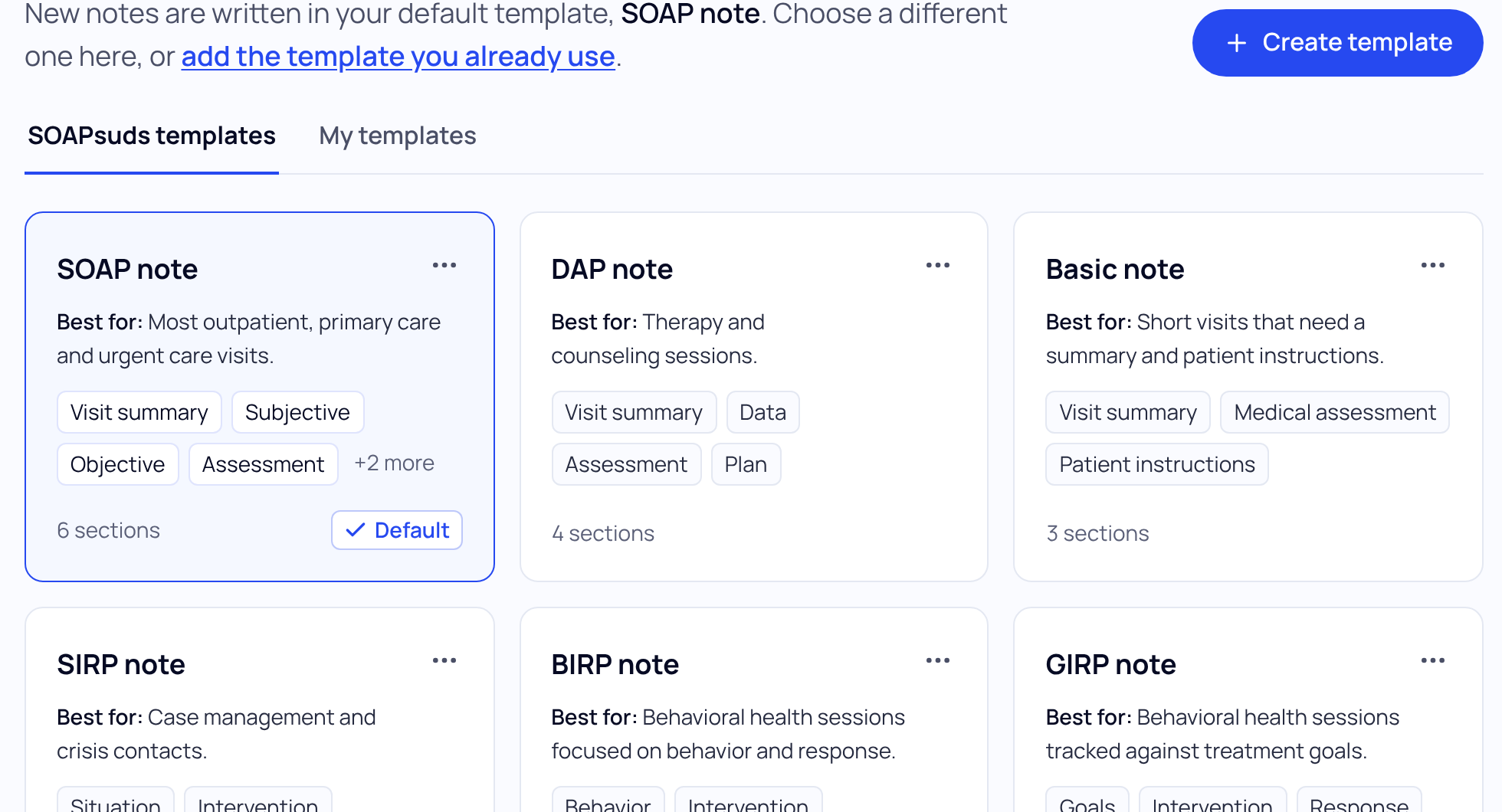
| Template | Best for |
|---|---|
| SOAP note | Most outpatient, primary care and urgent care visits. |
| SOAP - Combined Assessment and Plan | Visits where the assessment and plan are written together, problem by problem. |
| Basic note | Short visits that need a summary and patient instructions. |
| DAP note | Therapy and counseling sessions. |
| BIRP note | Behavioral health sessions focused on behavior and response. |
| GIRP note | Behavioral health sessions tracked against treatment goals. |
| SIRP note | Case management and crisis contacts. |
| Progress (Mental Health) | Ongoing psychotherapy and psychiatric follow-ups. |
| Intake (Mental Health) | A first behavioral health visit, with history, mental status exam and risk assessment. |
| SOAP (Mental Health) | Psychiatric and therapy visits in SOAP format. |
| SOAP (Mental Health) - Combined Assessment and Plan | Psychiatric visits with the assessment and plan written together. |
| Dental SOAP Note | Dental exams and treatment visits. |
| Palliative care note | Palliative and hospice visits, with goals of care and symptom review. |
Your practice may also have its own templates in this list.
Make one your default
- Look before you choose. Press Preview on a template to see its sections. Preview with a sample visit shows a note written from a made-up visit for a fictional patient.
- Open the template’s menu (···) and choose Make default. Your next note is written in this template.
Want a SOAPsuds template with small changes? Choose Customize in its menu to edit a copy. The original stays available.
Changing your default affects new notes only. To rewrite one past note in another template, see Use a different template for one visit.
Did this answer your question?
Still need help?
Email support@soapsuds.io or send us a message. Please don't include patient names or details; the visit date and time is enough for us to find it.

