
What SOAPsuds asks
There are two short steps.
- Role and specialty. Pick Your role from the list, then Your specialty. If your specialty isn't listed, type it in the search box and it is kept as you typed it. Choose Continue.
- Your details. Check the Name you sign notes with. Add credentials, like RN or MD. Phone number is optional, so our team can help you get set up. Choose Finish.
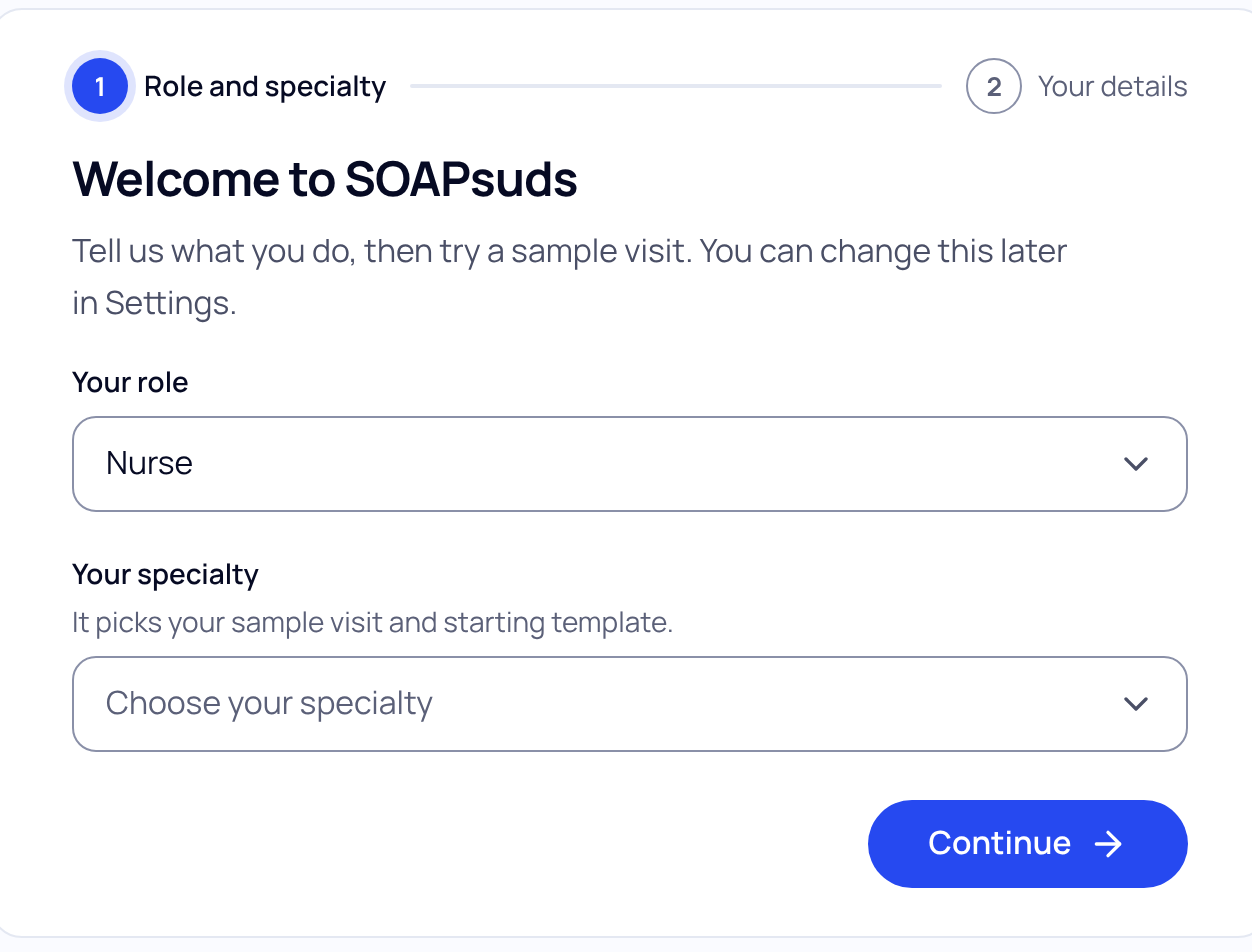
If you leave halfway, your answers are saved. Next time you see Welcome back and can carry on.
Your starting template
SOAPsuds starts you on the SOAPsuds template closest to your specialty. To have notes follow your own sections, upload a past note with patient identifiers removed. See Make your own template from a note you already use.
Change them later
- Specialty or signature name: go to Settings›Account and choose Change next to Specialty or Signature name.
- Default template: open Templates and choose Make default on the template you want. Your current one says Your default.
- For one visit only: on New visit, choose Change next to the template line.
Did this answer your question?
Still need help?
Email support@soapsuds.io or send us a message. Please don't include patient names or details; the visit date and time is enough for us to find it.

