
Who sees what
- Practice admins see the whole practice. Lines name the clinician and the visit date and time, never the patient.
- Clinicians see their own sign-ins and visits, and anyone else who opened their visits.
- Office staff don't have Activity.
The log is kept for at least 6 years and can't be edited.
Read and filter the log
- Open Settings›Activity.
- Pick Who. Everyone, Everyone but you, SOAPsuds support, or one person by name. Clinicians also have Only you.
- Pick What. For example Opened, Changed or deleted, Copied, saved or printed or Sign-ins and account.
- Pick When. From Today to Last 12 months, or Choose dates. It starts on Last 30 days.
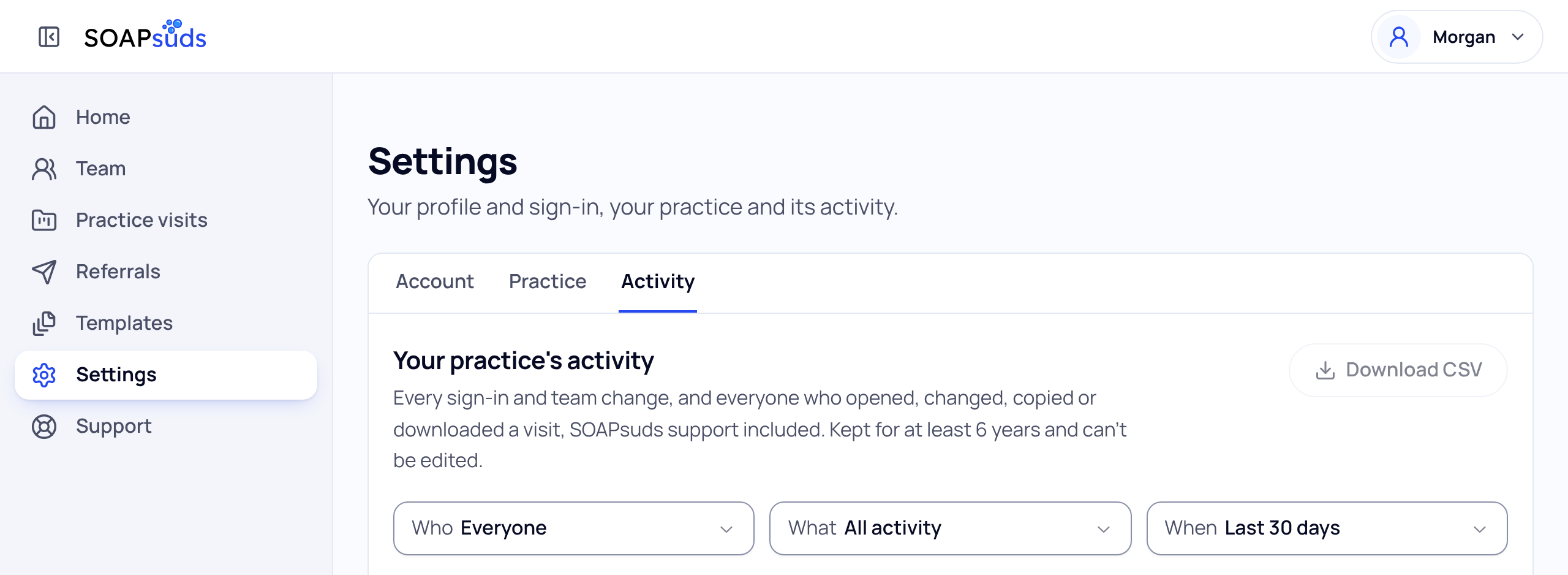
Each line shows the time, who did it and their role, and what they did. A red line means someone tried and was refused, so nothing was shown or changed. Lines from SOAPsuds marked Automatic are things like the 30-day deletion.
See one visit
Choose the visit named on a line. The list then shows only that visit. Choose Show all activity to go back.
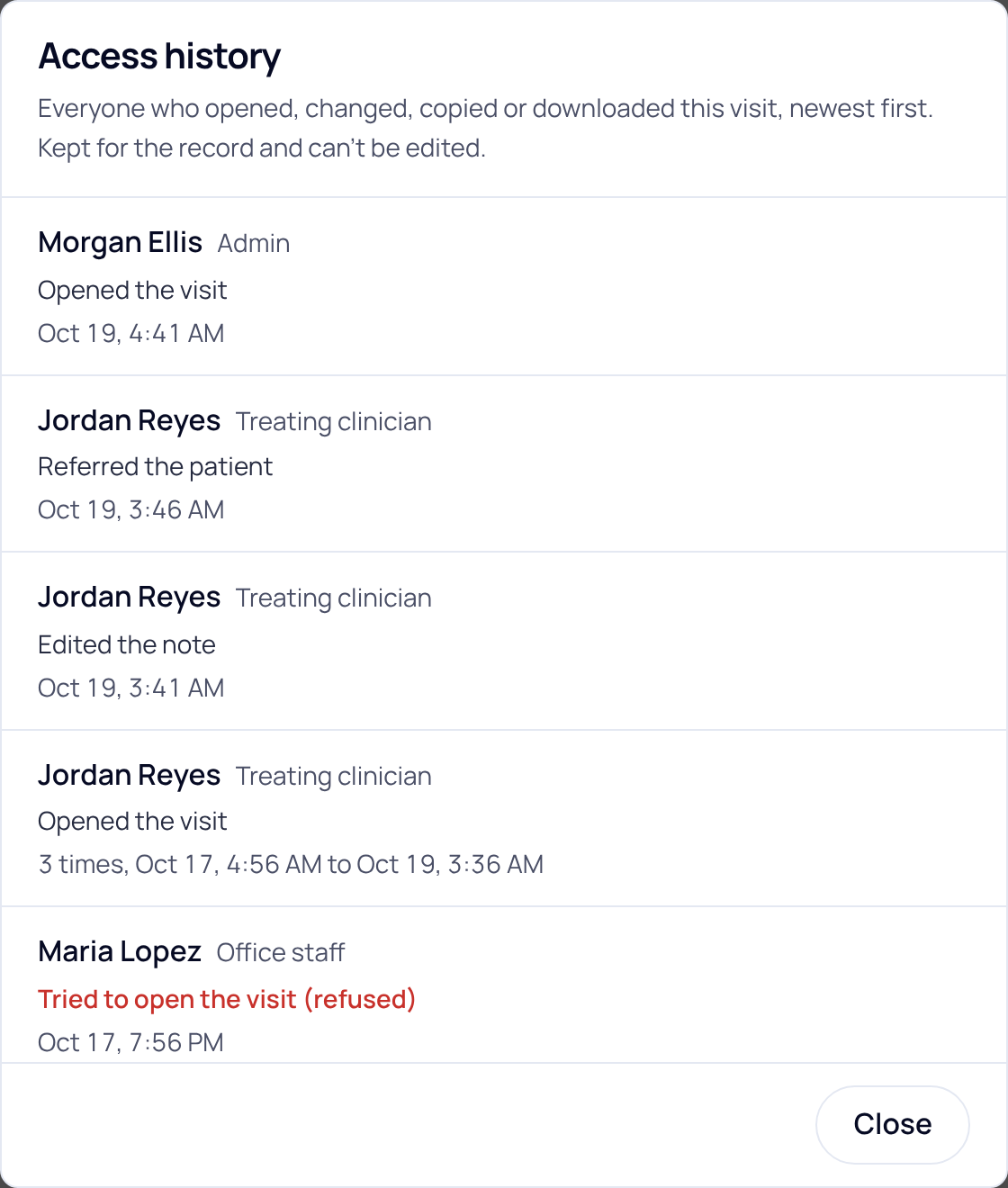
You can also open the visit itself and choose Access history. Practice admins do this from Practice visits, where their practice has it.
Keep a copy
Choose Download CSV to save the lines you are looking at. One file holds up to the newest 5,000 lines; pick fewer days for the rest. A clinician's file names their patients, so keep it somewhere private.
Did this answer your question?
Still need help?
Email support@soapsuds.io or send us a message. Please don't include patient names or details; the visit date and time is enough for us to find it.

