
What a practice admin sees by default
Note access is off unless our team turns it on for your practice. With it off, a practice admin who doesn't record visits can open a visit in Practice visits and see who recorded it, when, and its codes. Where the note would be, a card says Practice admins don't see notes. The note itself never reaches their screen.
Clinicians always see their own visits and notes. A practice admin who also records visits can already see the practice's visits, transcripts included.
The levels our team can set
| Level | What the practice admin sees |
|---|---|
| Default | Who recorded each visit, when, and its codes. No note text. |
| Notes on | Each visit's note and codes, with Copy and Download. Not transcripts, clinicians' own notes or Clinical insights. |
| Full access | Every visit in Practice visits, transcripts included. |
Office staff who send referrals never see visits or notes, at any level.
Turn it on or off
- Check what you have now. Open Settings›Practice and read Who can see what. Home says the same under What you can see.
- Email our team. Write to support@soapsuds.io and say which level you want. Don't put patient details in the email.
- Check again. Once it's changed, Who can see what shows the new level.
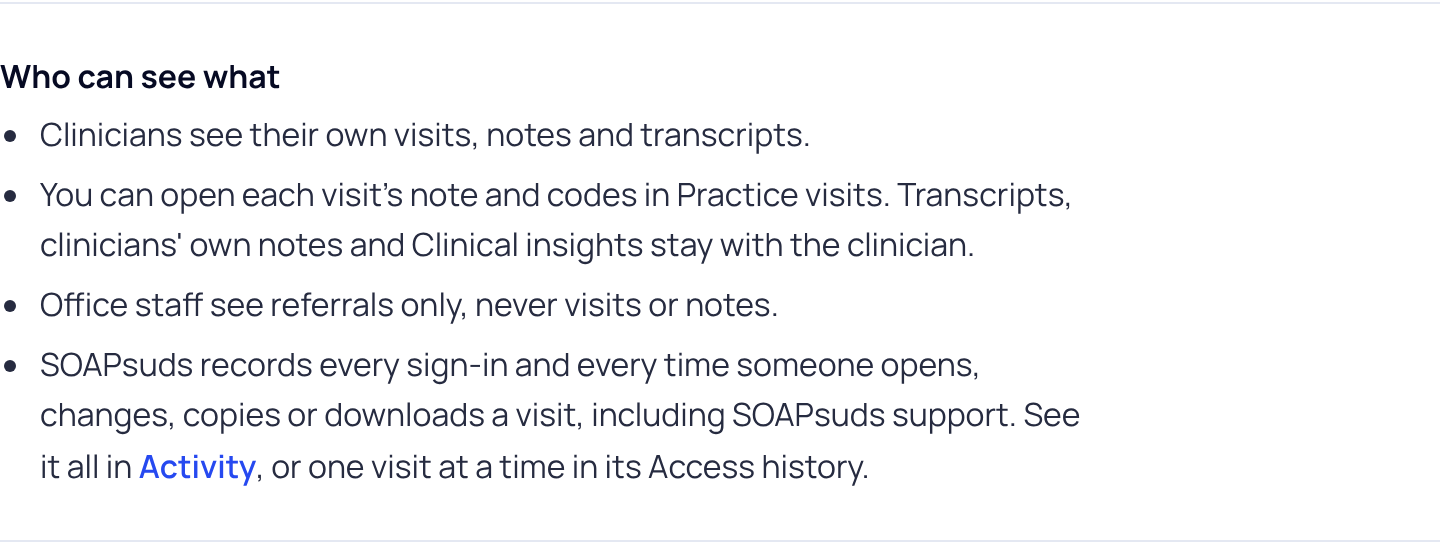
Every time anyone opens, changes, copies or downloads a visit, it is recorded in Settings›Activity.
Did this answer your question?
Still need help?
Email support@soapsuds.io or send us a message. Please don't include patient names or details; the visit date and time is enough for us to find it.

