

Why you accept it first
HIPAA calls for a Business Associate Agreement (BAA) between you and SOAPsuds, because SOAPsuds handles your patients' information for you. So you accept it before you record a visit.
Where you accept it
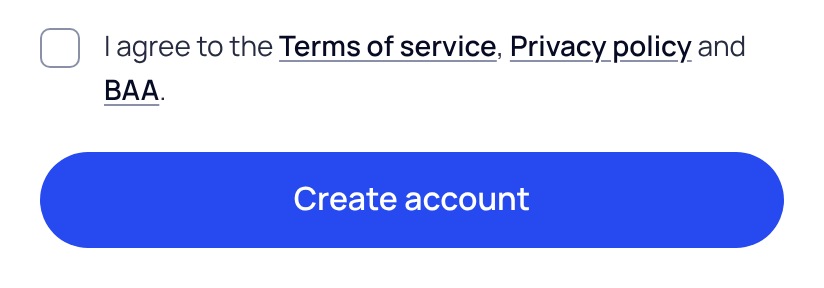
- Signed up with email: tick I agree to the Terms of service, Privacy policy and BAA on the sign-up form.
- Signed up with Google, Microsoft or Apple: you tick the same agreement on the Your details step, before you choose Finish.
- When we update the BAA: after you sign in, a screen asks you to read the new version and accept it. Tick the box, then choose Accept and continue.
SOAPsuds keeps a record of each acceptance: your name, the date and time, the version, your IP address and browser.
Read it again later
- Open Settings. Go to Settings›Account.
- Find Business Associate Agreement. It says when you accepted it and which version.
- Choose BAA record. It lists each acceptance. Choose Print or save as PDF to keep a copy.
If you are part of a practice
A practice accepts the BAA once, for everyone. The practice admin accepts it for the practice: when setting up the practice's plan, on their invite page, or on the screen after sign-in. Clinicians and office staff the practice adds don't accept one themselves. If SOAPsuds set up your practice, the BAA is in your practice's contract with SOAPsuds.
Need a copy signed by SOAPsuds, or have your own BAA form? Email support@soapsuds.io.
Did this answer your question?
Still need help?
Email support@soapsuds.io or send us a message. Please don't include patient names or details; the visit date and time is enough for us to find it.

