
How to reach us
- In the app: choose Support in the menu. Search the quick answers first; the fix may be there. Then use Contact support: pick a topic, say what happened and press Send request. We reply by email, and your past requests show on the same page.
- Email: support@soapsuds.io. Write from the email you sign in with.
- Phone: +1 (703) 496 3202.
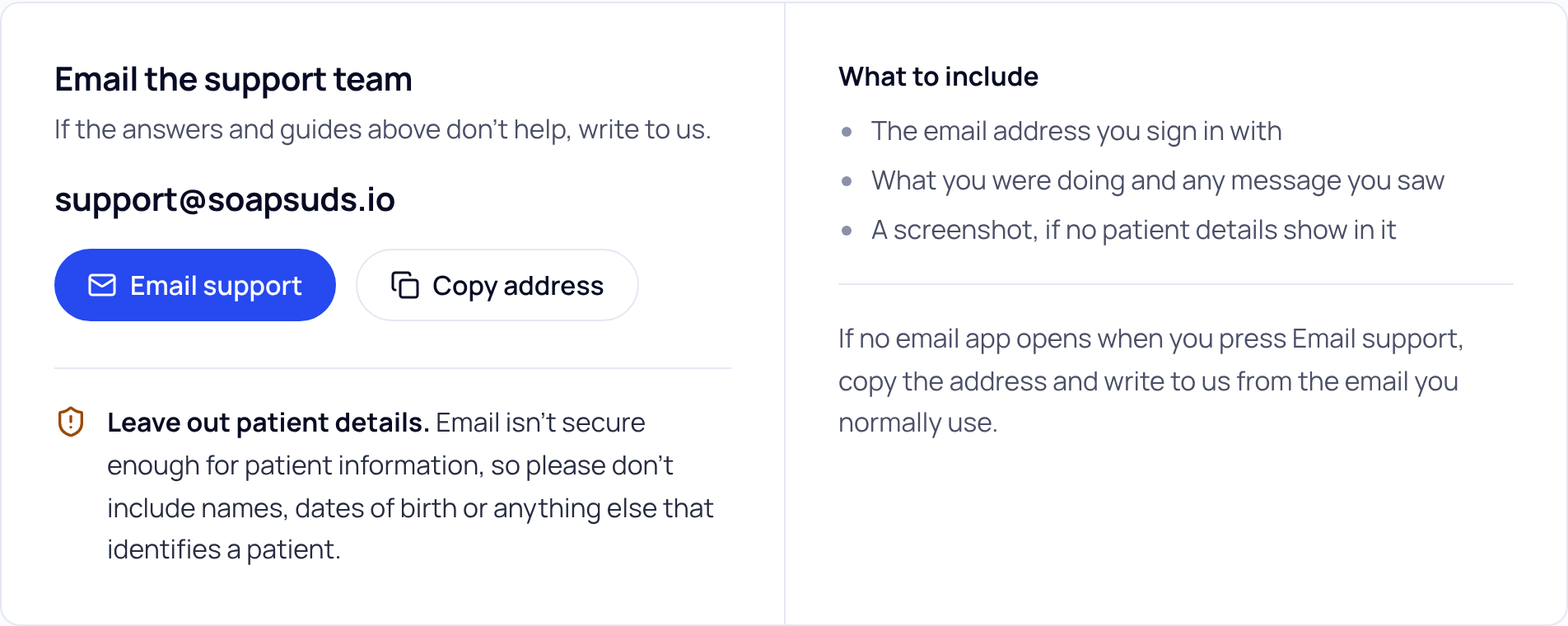
What to include
- The email address you sign in with.
- What you were doing and any message you saw, word for word.
- The date and time of the visit, if it’s about a visit.
- A screenshot, if no patient details show in it.
In the form, Include technical details (no patient information) is ticked. It sends only your browser, operating system, app version, the page you were on and the time. Press What’s sent to see them.
Leave out patient details
Email isn’t secure enough for patient information. Don’t include names, dates of birth, record numbers or anything else that identifies a patient. Describe the visit by its date and time instead.
If your message looks like it has patient details, the form says Remove patient details before you send. Edit the message to take them out.
Did this answer your question?
Still need help?
Email support@soapsuds.io or send us a message. Please don't include patient names or details; the visit date and time is enough for us to find it.

